Speaker volume widgets

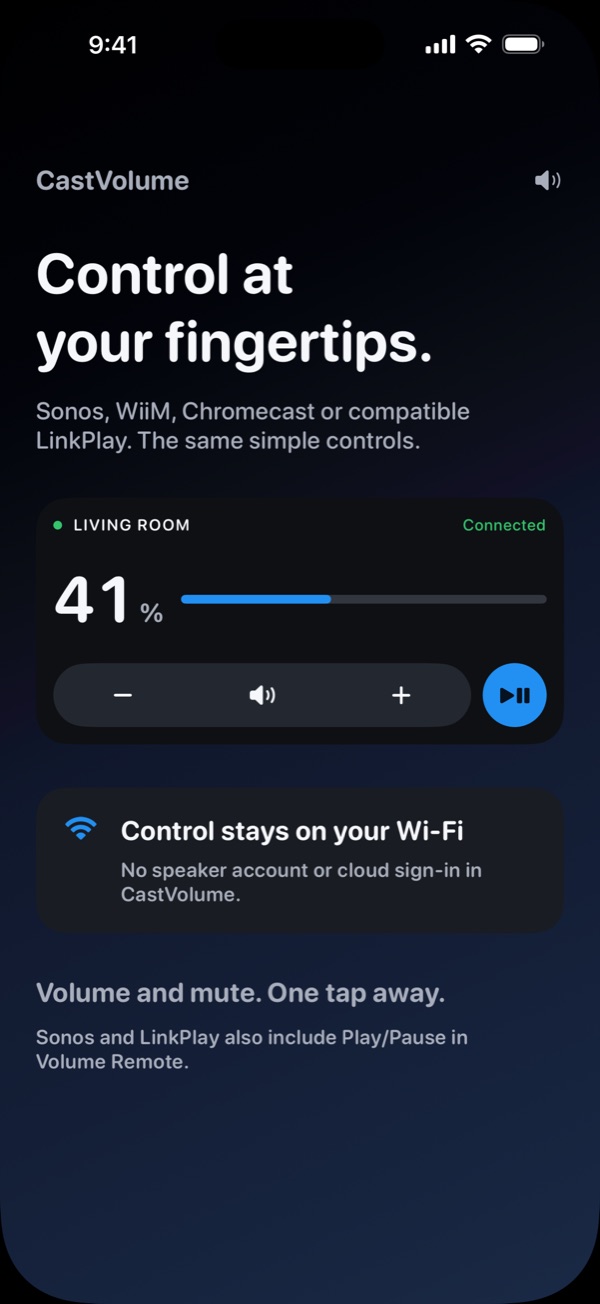
Control at your fingertips.

Sonos, WiiM, Chromecast and compatible LinkPlay receivers share one familiar remote for volume and mute: on your Home Screen, in the app and in system Controls. Keep listening in your usual music app.

  • Sonos
  • WiiM
  • Chromecast
  • LinkPlaycompatible
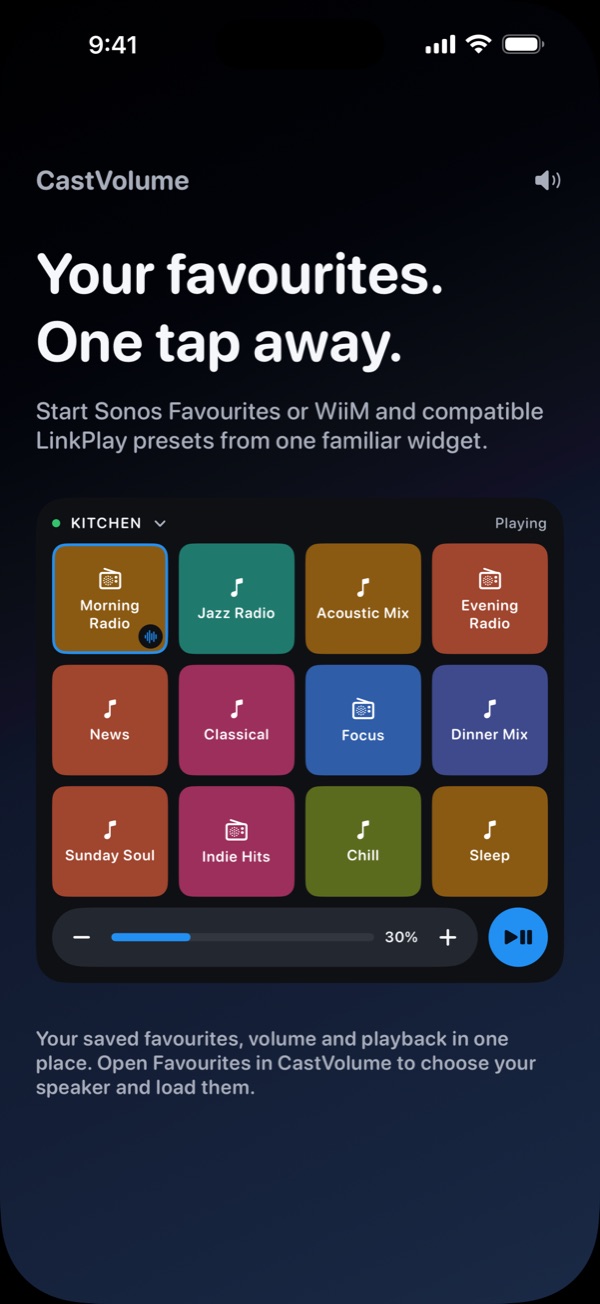
Favourites widget with twelve saved stations for the kitchen speaker
CastVolume Volume Remote for the living room at 41 percent with Play/Pause

Features

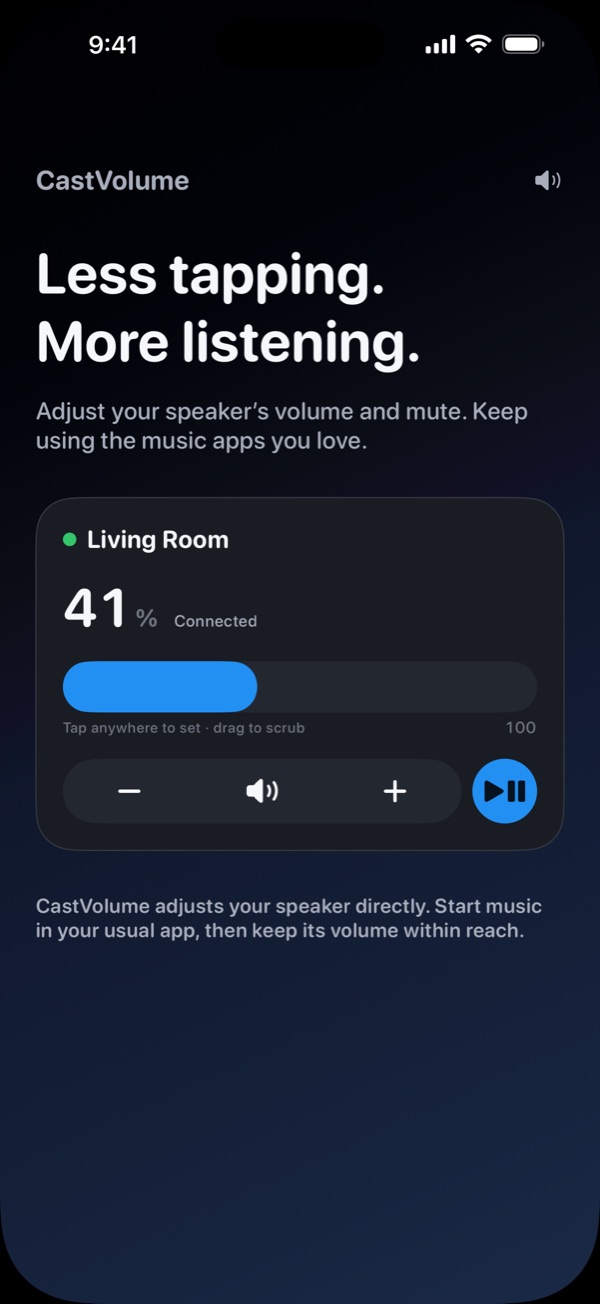
Less tapping. More listening.

CastVolume adjusts your speaker directly. Start music in your usual app, then keep its volume within reach.

Living Room card at 41 percent with volume down, mute, volume up and Play/Pause

Volume Remote

Volume and mute. One tap away.

Interactive widgets and the app share the same remote: volume down, mute, volume up. Drag the bar to set an exact level.

  • Play/Pause for Sonos and compatible LinkPlay
  • Sonos follows the room's current group
  • Volume step of your choice, free
Favourites widget showing a grid of saved stations with volume and Play/Pause

Favourites New

Your favourites. One tap away.

Start Sonos Favourites, WiiM Home favourites and supported LinkPlay presets from one widget, with volume and Play/Pause in the same place.

  • Medium shows four favourites, Large up to twelve
  • Uses the favourites you already saved in your speaker's app
  • Tap the speaker name to switch speakers
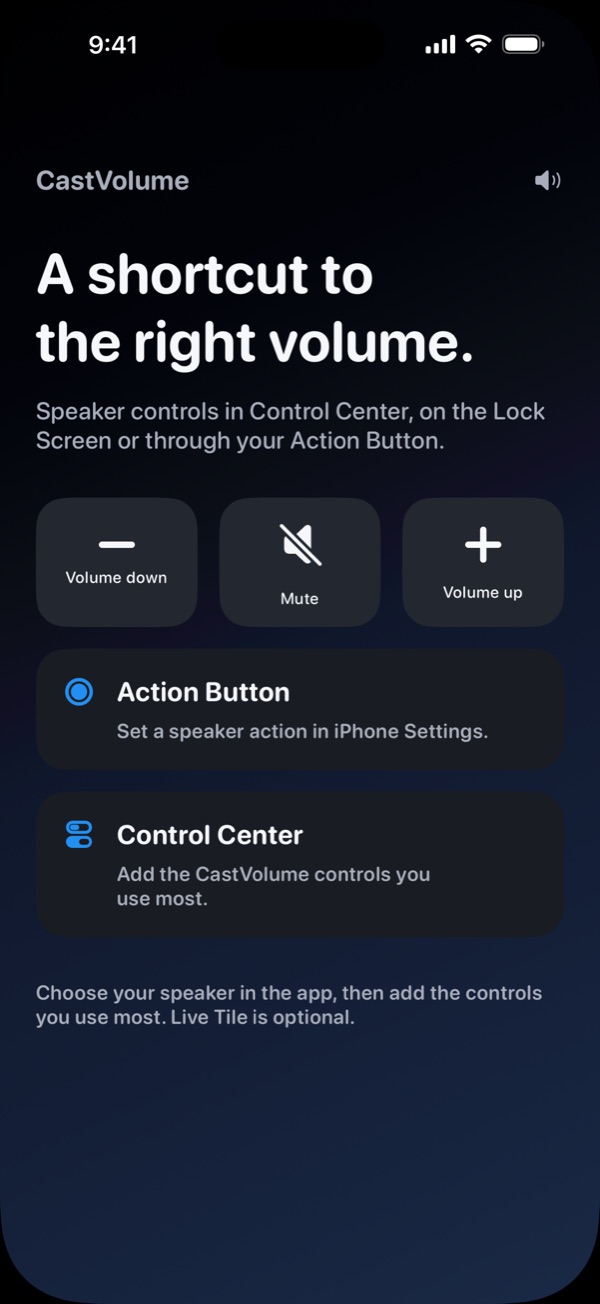
Volume down, Mute and Volume up Controls, with Action Button and Control Center options

System Controls

A shortcut to the right volume.

Put speaker controls in Control Center, on the Lock Screen or on the Action Button. One press, no app to open.

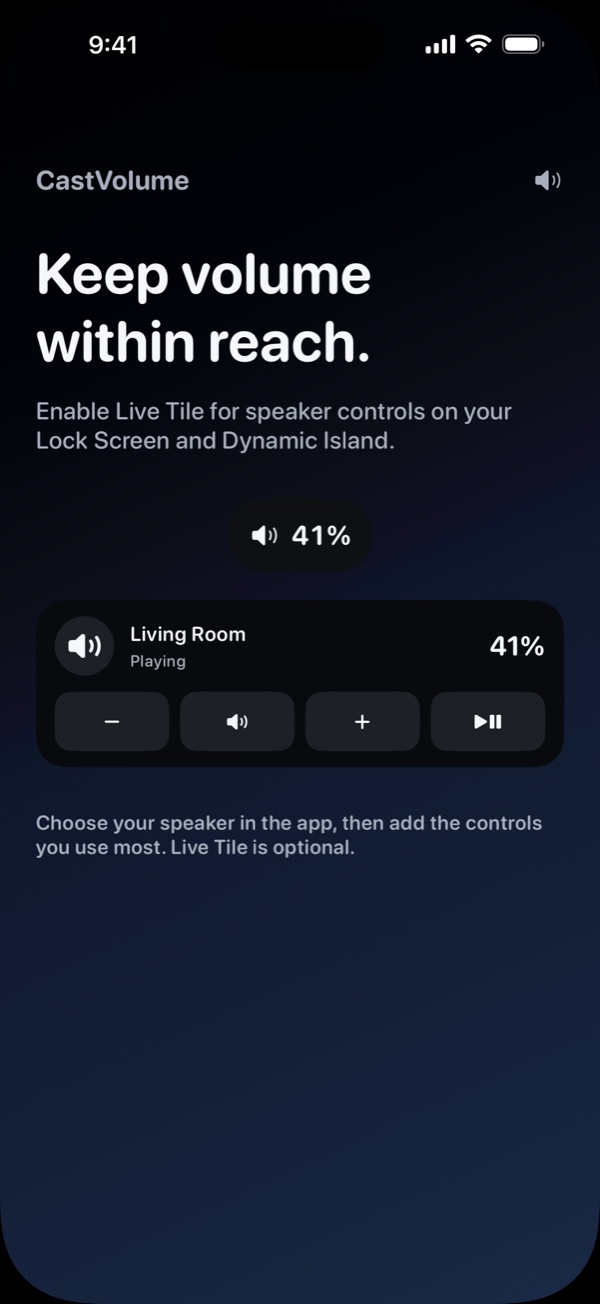
Live Tile on the Lock Screen showing Living Room playing at 41 percent

Live Tile

Keep volume within reach.

Turn on the optional Live Tile for speaker controls on your Lock Screen and in the Dynamic Island.

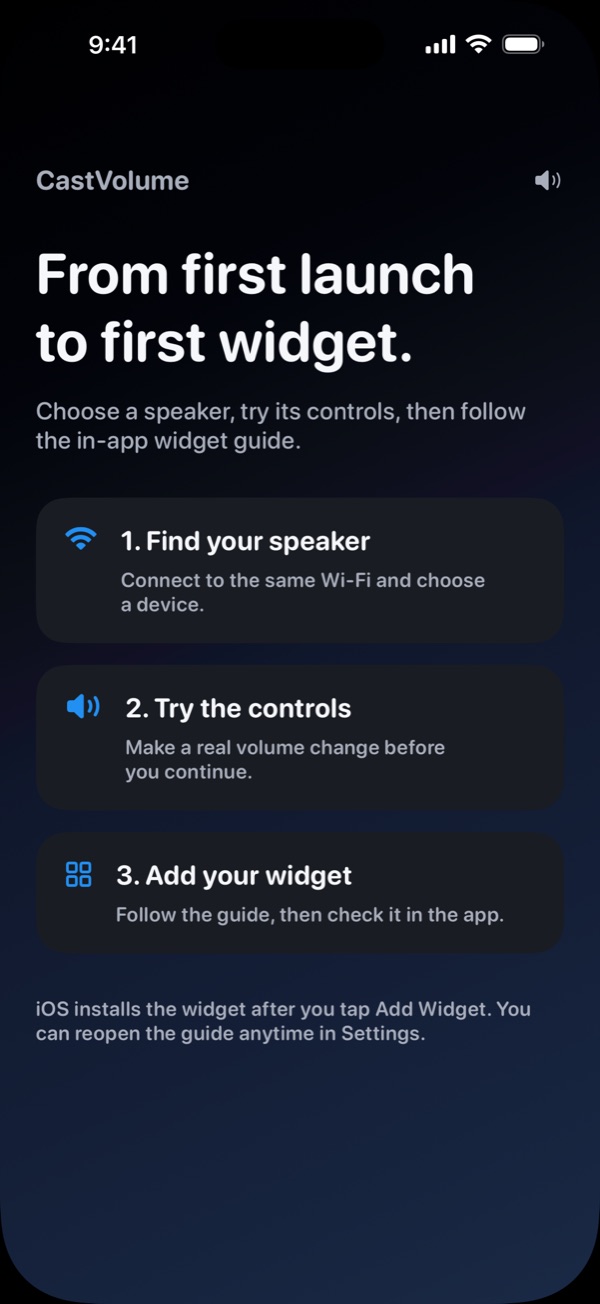
Three setup steps: find your speaker, try the controls, add your widget

Setup

From first launch to first widget.

  1. Find your speaker. Discover it on your Wi-Fi, or add Sonos, WiiM or LinkPlay by IP.
  2. Try the controls. Make a real volume change before you continue.
  3. Add your widget. The in-app guide walks you through it and checks it's installed.
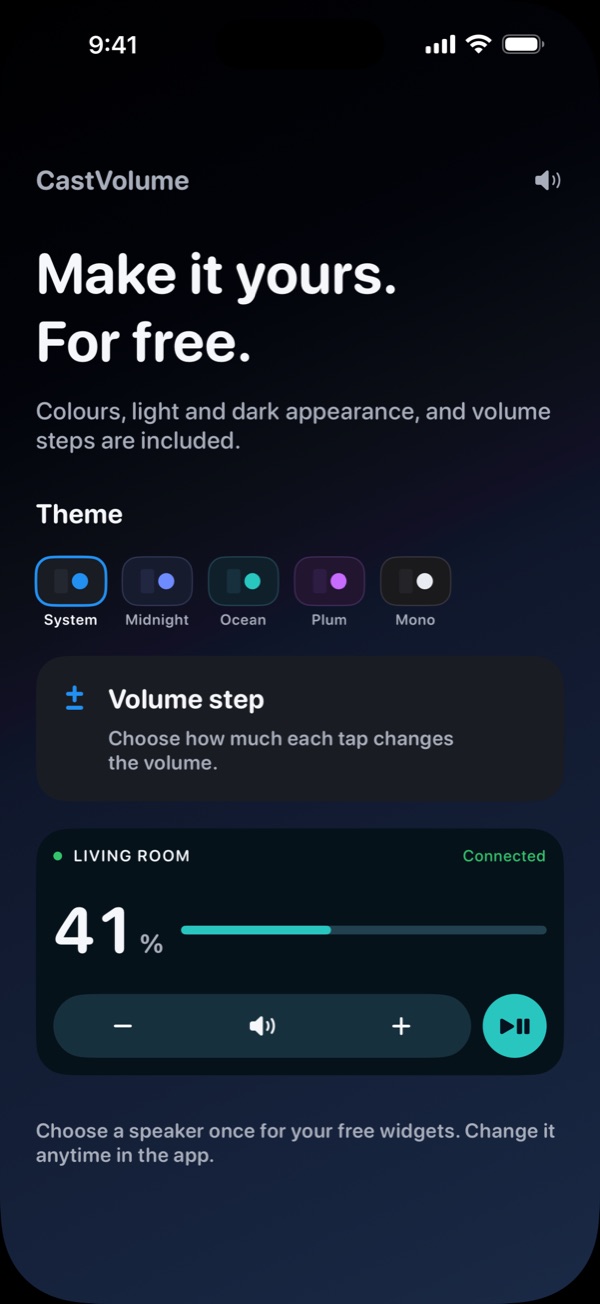
Theme choices System, Midnight, Ocean, Plum and Mono, and the volume step setting

Appearance

Make it yours. For free.

Five colour themes, light and dark appearance, and volume steps are included for everyone. Diagnostics explain what's wrong when a speaker won't connect.

  • System
  • Midnight
  • Ocean
  • Plum
  • Mono

What users say

Reviews from the App Store

“Being able to have instant volume control and a mute button right on my Lock Screen is a complete game-changer.”

DaisyHuman2026, App Store Australia, May 2026

“Awesome app and widgets for controlling google cast devices!”

solidvikke, App Store Sweden, September 2026

“Such a cool app! It works flawlessly, and it’s super easy to use”

Tomwithatripod, App Store US, March 2026

Free and Premium

One speaker free. More rooms? Premium.

Free widgets share your chosen speaker. Premium gives each widget or Control its own.

Free

No ads, no account

  • All supported brands and in-app controls
  • Saved speakers, colours, appearance and volume steps
  • One chosen speaker for widgets, Controls and Live Tile

Premium One-time purchase

No subscription

  • A different speaker for each widget and Control
  • Kitchen, living room and bedroom on one Home Screen
  • Existing Premium purchases stay unlocked

An optional 30-day free trial has no automatic charge. When it ends, your chosen free speaker keeps working and your setup is kept; extra widget speakers need Premium. Current pricing is shown in the App Store and in the app.

Compatibility

Before you start

  • iPhone or iPad with iOS 18.6 or later
  • Phone and receiver on the same local network, with Local Network access allowed
  • Sonos uses local UPnP and needs compatible Connection Security settings. Portable speakers must be awake.
  • WiiM needs Fixed Volume Output turned off in WiiM Home
  • LinkPlay support depends on the receiver's local API and firmware, so not every LinkPlay-based product works
  • AirPlay-only receivers aren't supported

Privacy

Control stays on your Wi-Fi

CastVolume talks to your speakers over your local network. There's no speaker account, no CastVolume cloud service, no analytics and no ads. It doesn't stream music or change your iPhone's own volume.

Widgets show the last confirmed state and refresh after each command, so changes made in other apps may take a moment to appear. A locked iPhone may ask you to unlock before a command runs.

Read the privacy policy

Your speakers, at your fingertips.

Free on the App Store for iPhone and iPad.